
The doctor's day, on the phone
Every screen belongs to one of three moments — prepare, capture, close — and each has one primary action. Who to see, what to record, what to sign, against the same records as the desk.
01 · Prepare
Know who is next and what matters
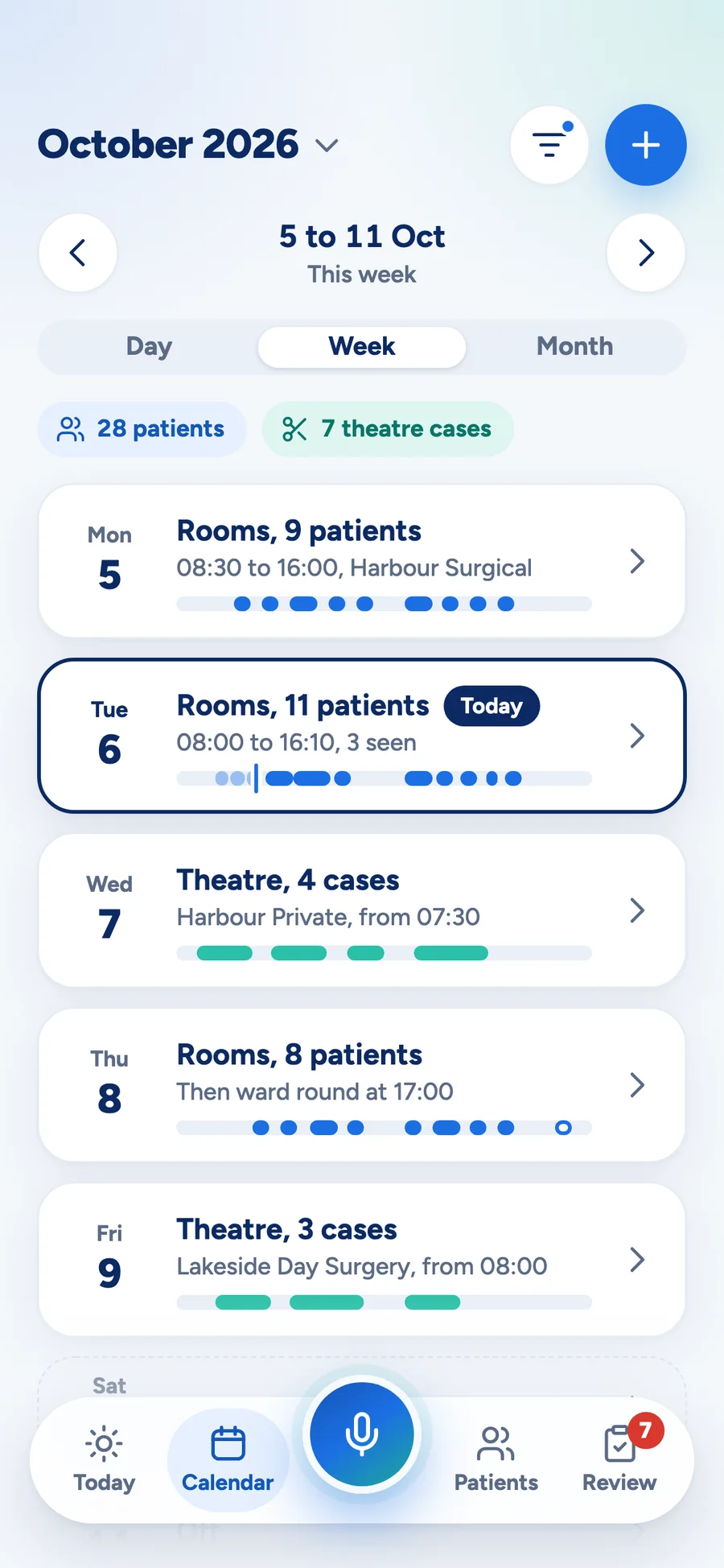
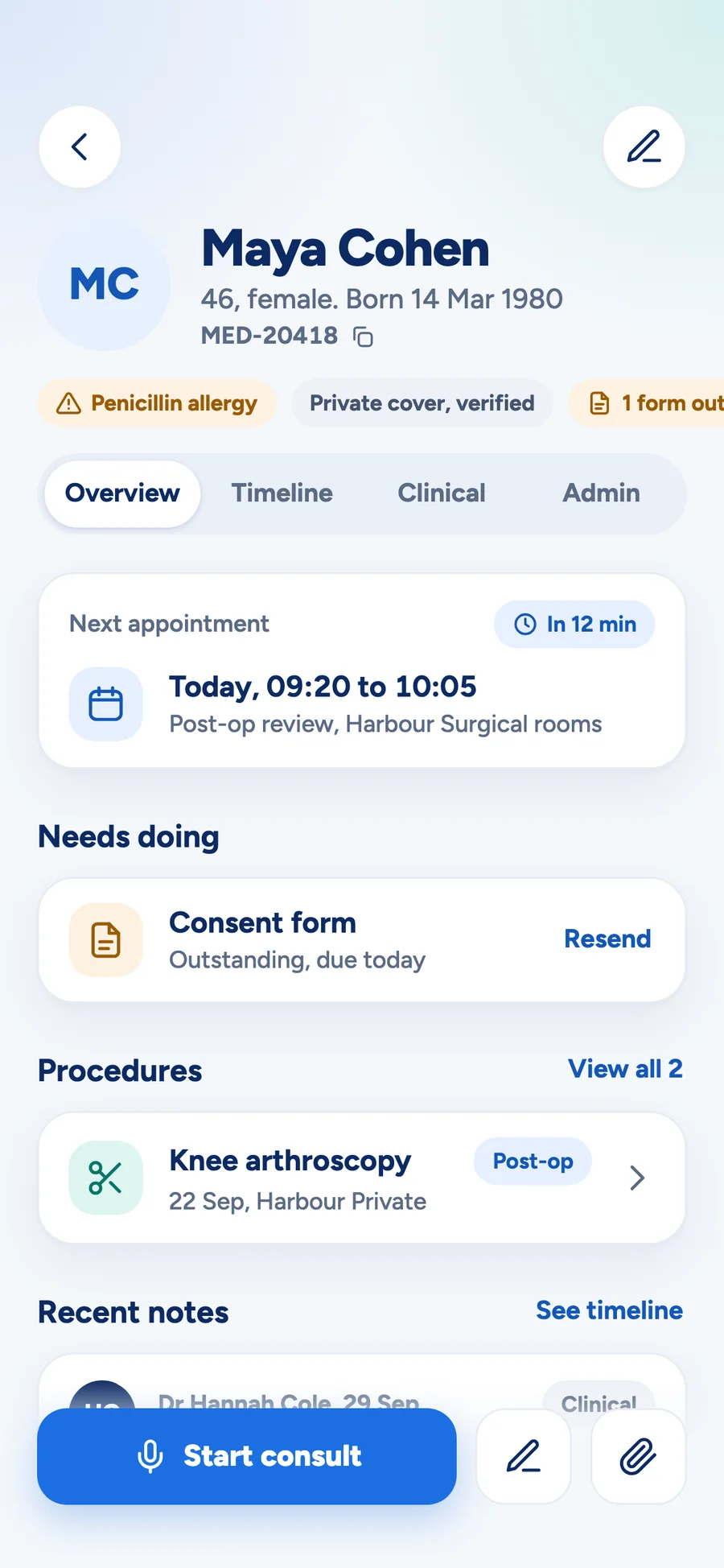
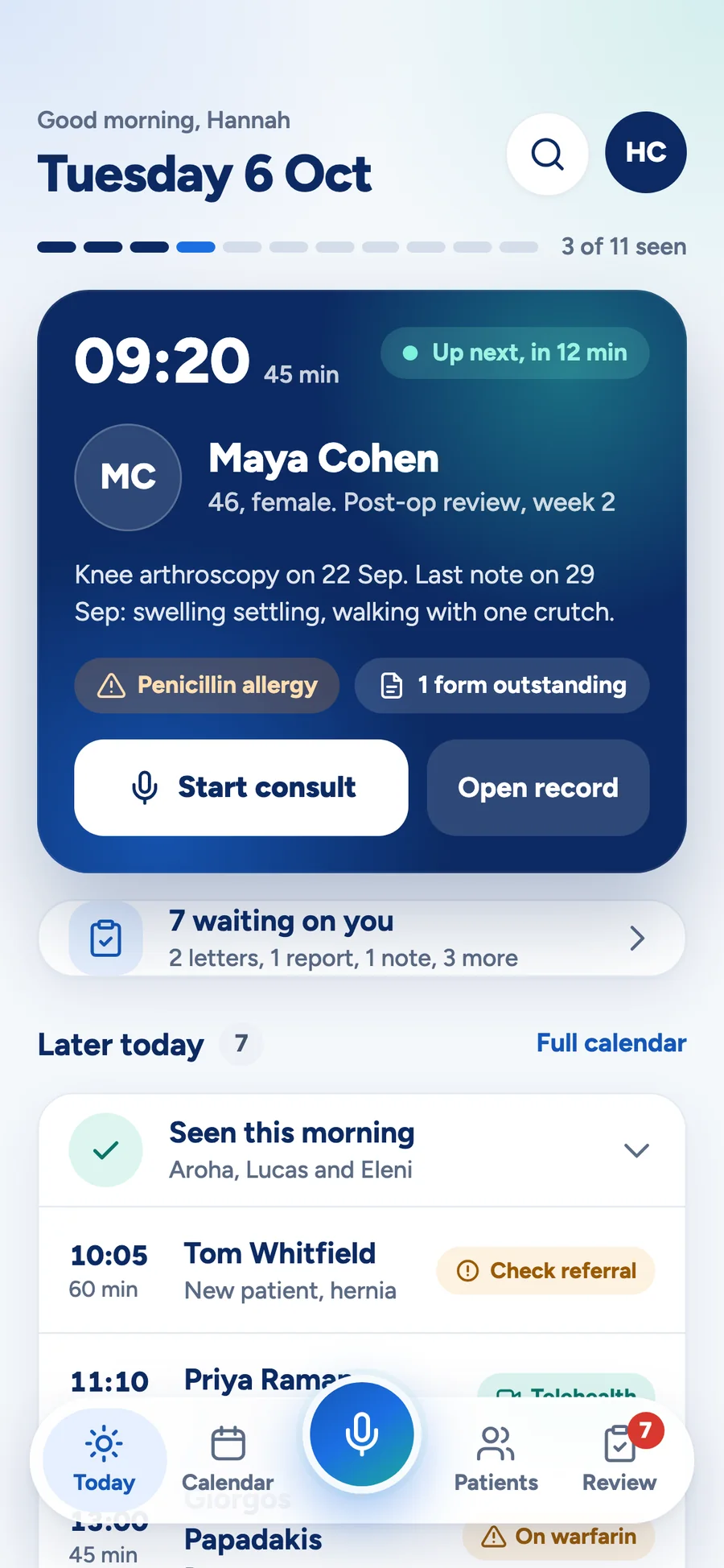
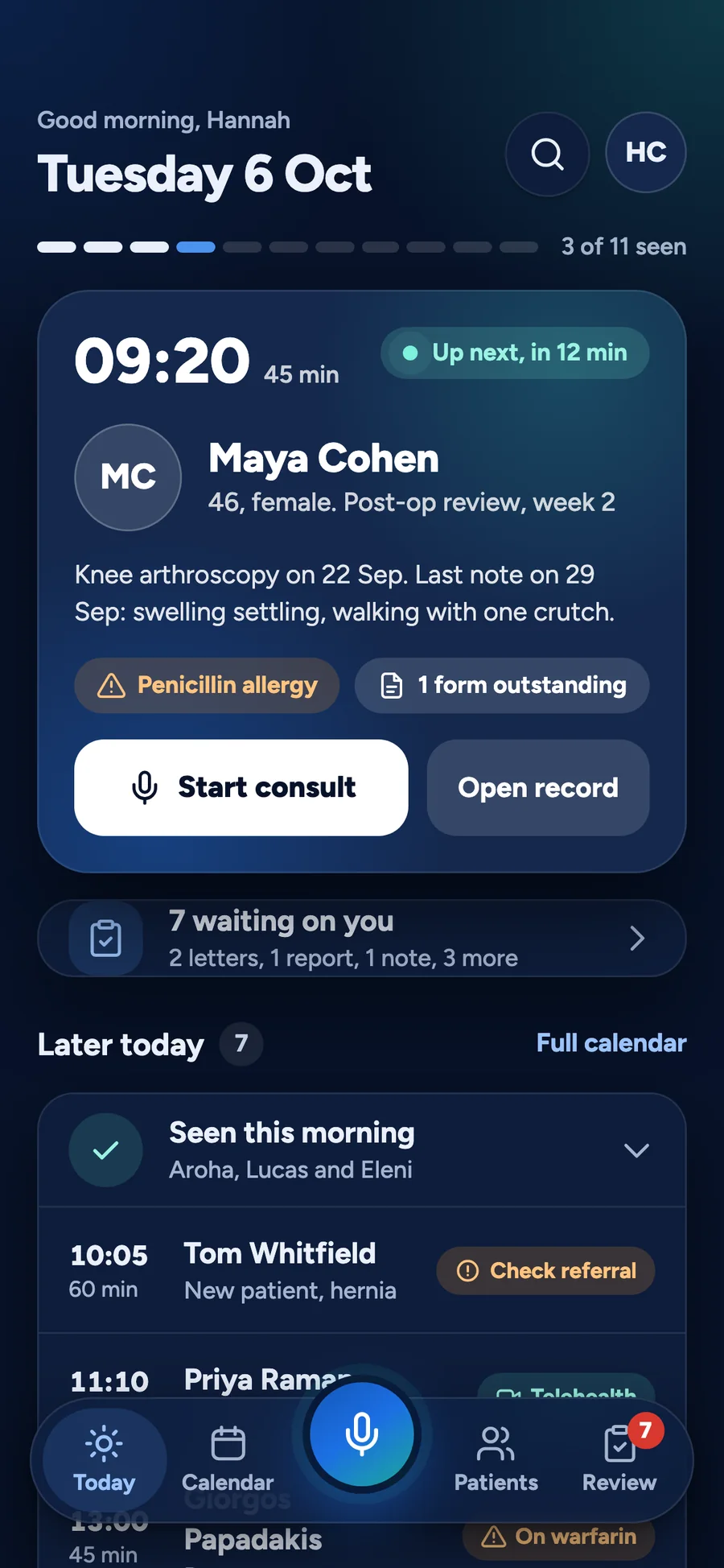
Today leads with the one thing to do now. The next patient is a single card — allergies, outstanding forms and the last note visible without a tap — and the rest of the day sits below it.
- Day, week and month, with theatre lists alongside clinic
- The record in four sections, allergies and next step first
- Find any patient from any screen in one tap
02 · Capture
Record the encounter once
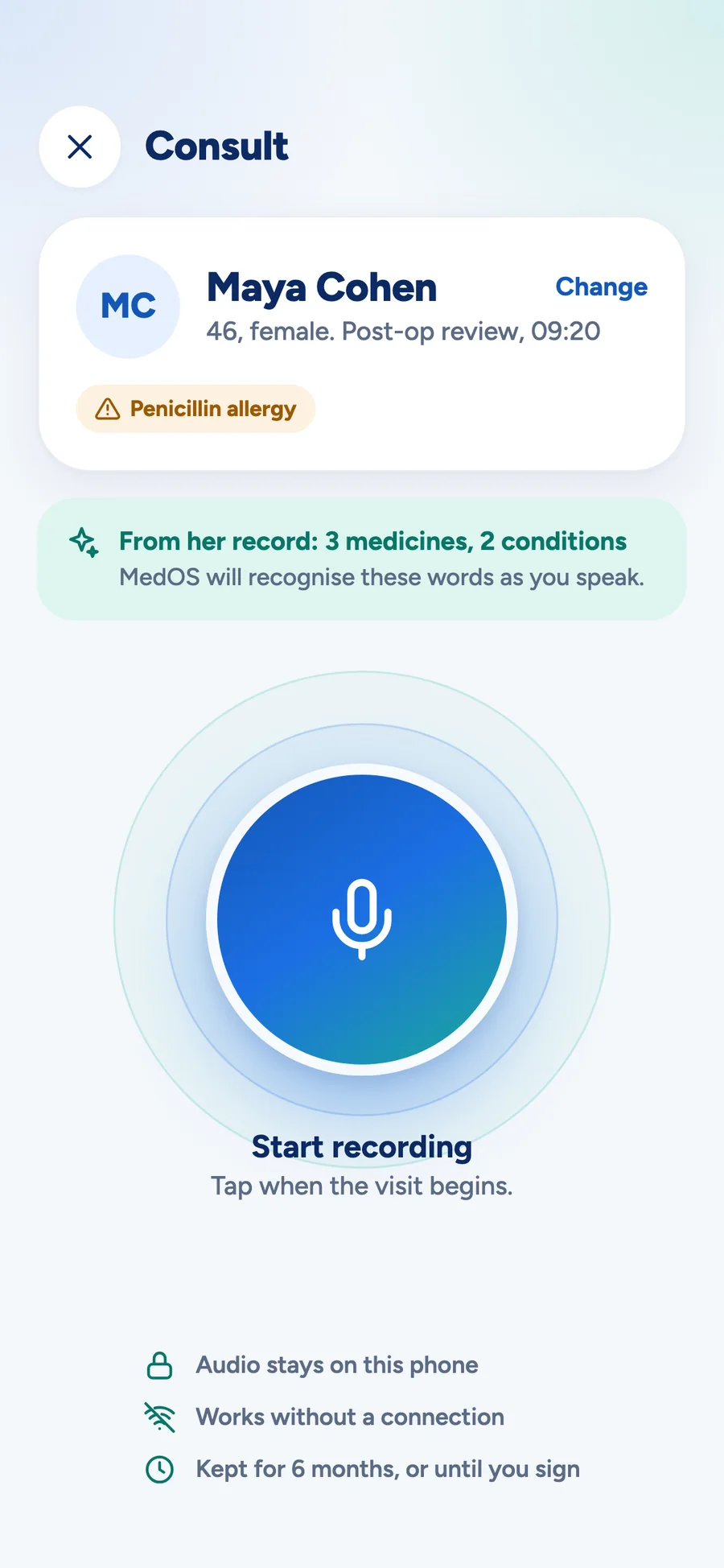
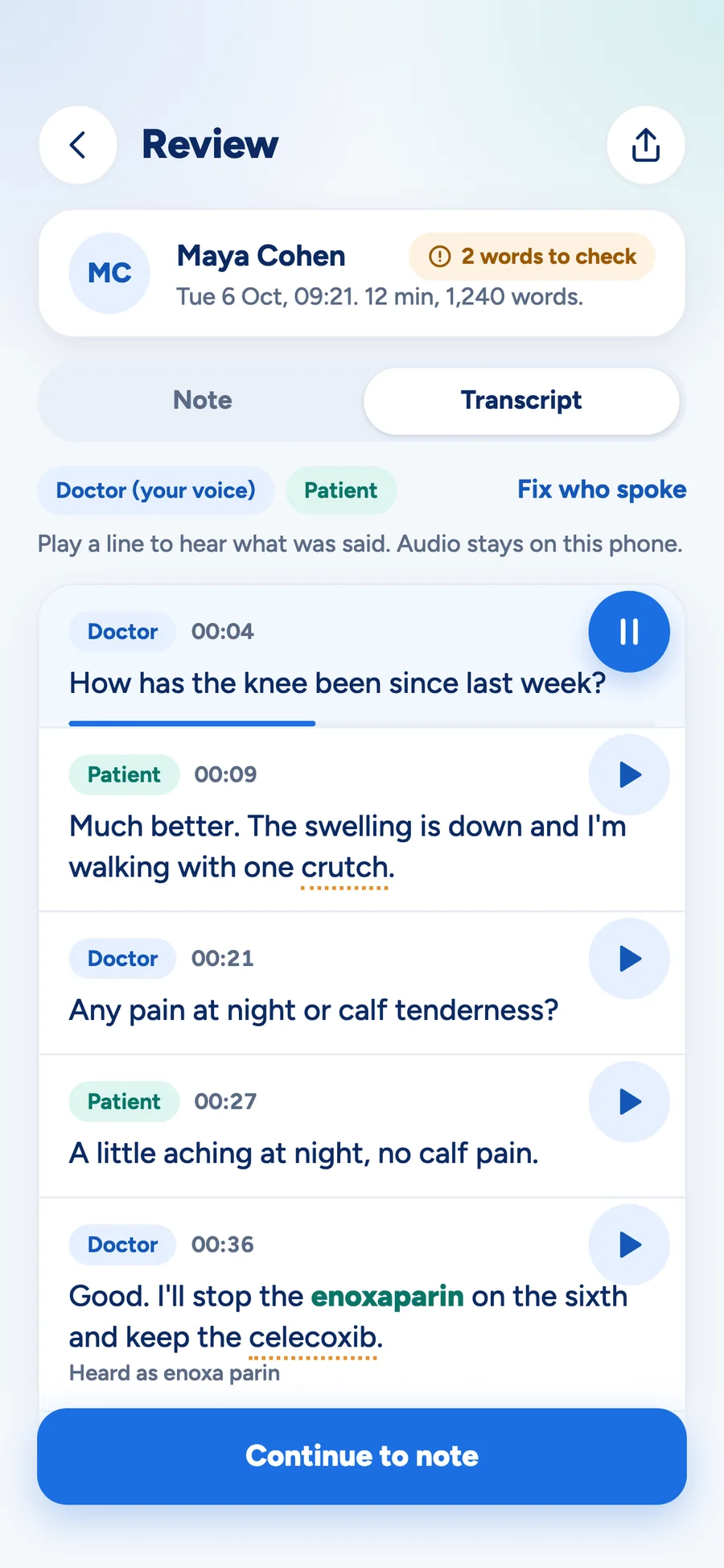
One round button, always reachable. Start the consult, speak, and stop. Words the phone was unsure of are flagged and checked in review, then the note is filed to the record — and you are on to the next patient.
- Recording and transcription happen on the phone
- Stop, pause and flag are explicit — nothing is implied
- Ready, record, check, file: four steps, no full-screen waits
03 · Close
Sign, file, bill, done
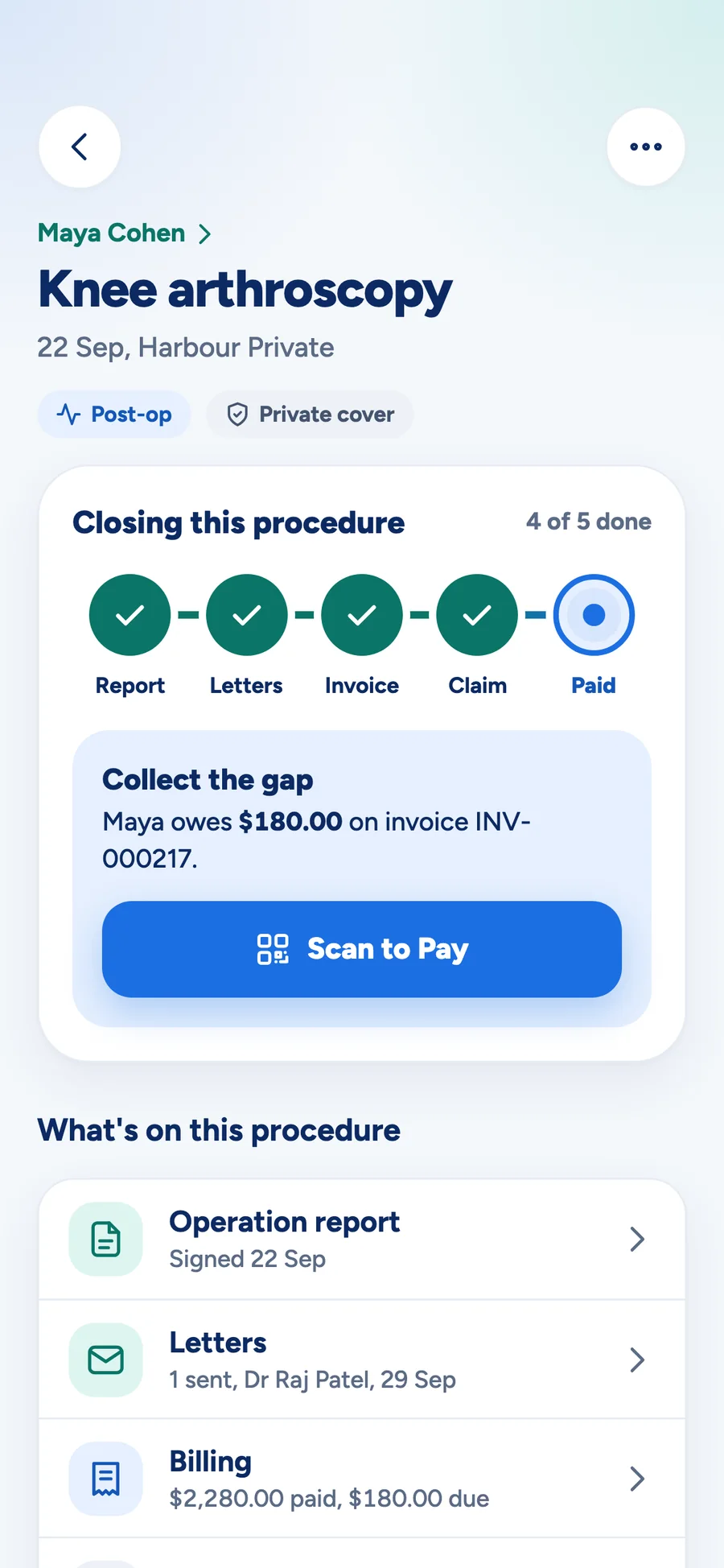
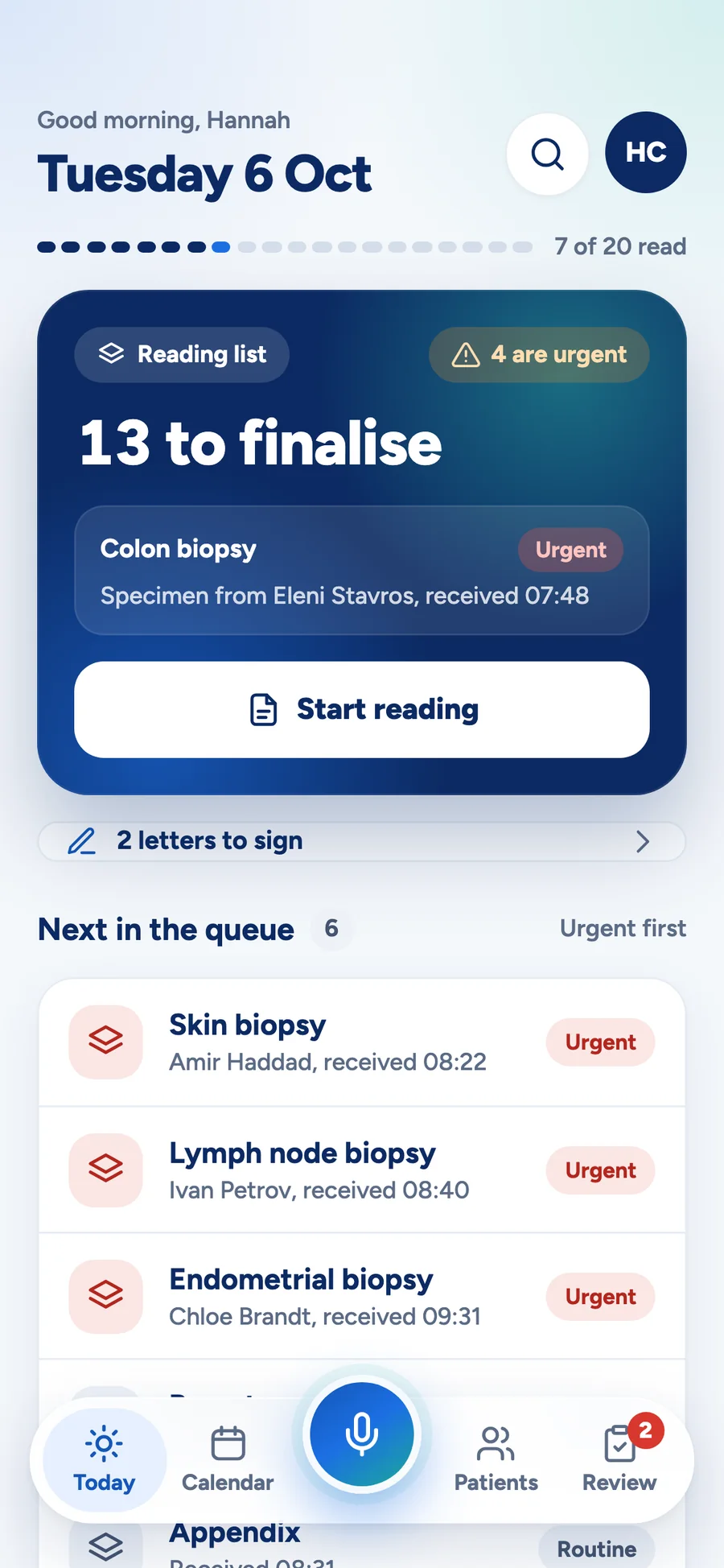
Everything waiting on the doctor is one queue, and every row carries one verb — sign, finish, file, fix. A procedure's closing track is visible on the procedure itself: report, claim, billing.
- Sign a letter in three taps; it leaves through Medical Objects
- The report, the claim and the account on the same screen as the procedure
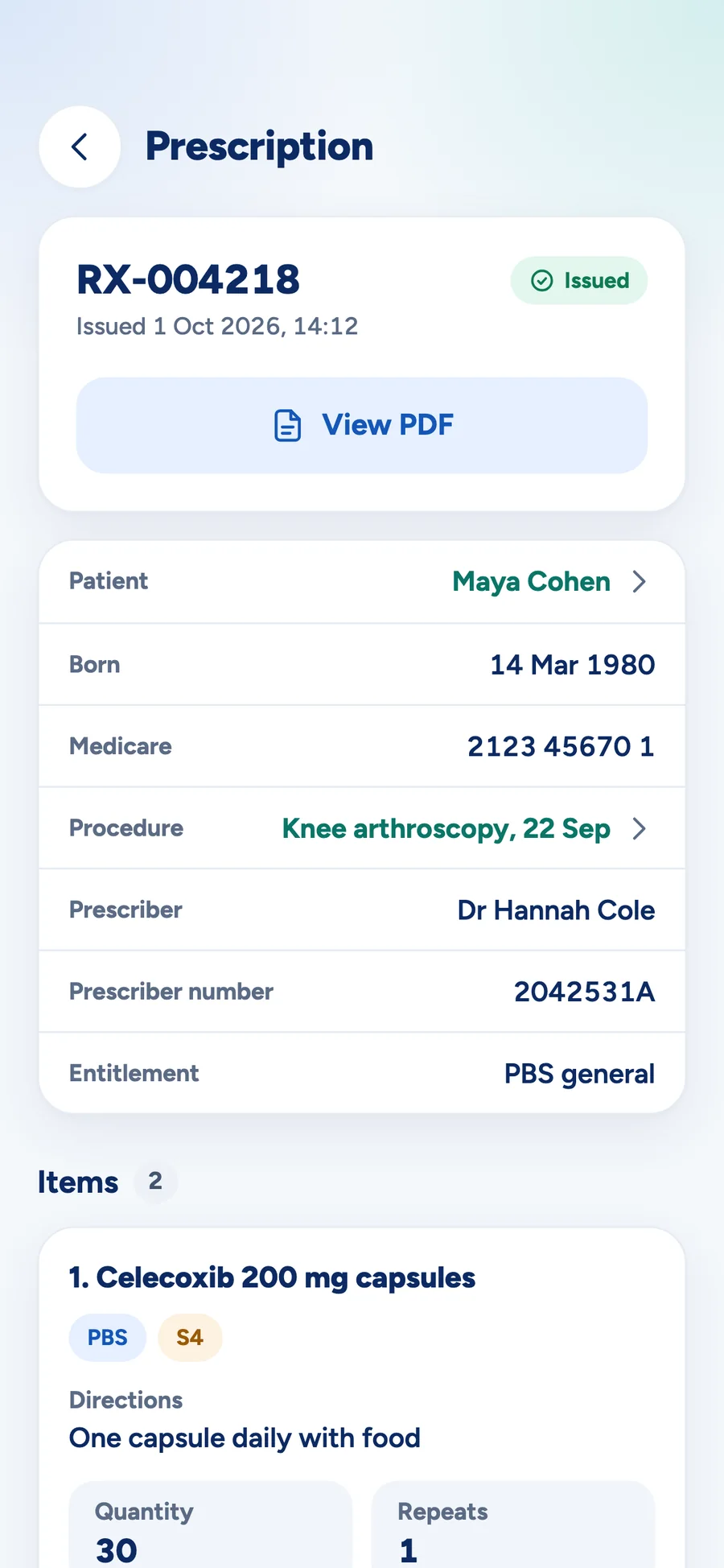
- Prescriptions issued on the phone, with the PDF to hand
The same app, a different morning
The big card is the one thing to do now, and it changes with the moment and the specialty. A clinic day, a pathologist's reading queue and a ward at night are the same screen, shaped differently.
What makes it safe to use standing up
On the device
Dictation and transcription run on the phone, so a consult can be captured with no signal and filed when there is one.
Biometric unlock
Face or fingerprint to get back in, so a locked phone is never the reason a note gets written later.
Permissions travel with the user
What a clinician can see and change on the phone is what their role allows at the desk — enforced by the server, not by hiding buttons.
Shaped to the day
The home card adapts to the moment and the specialty, and the whole app comes in light and dark.
Ready to make healthcare run better?
MedOS helps healthcare organisations connect fragmented operations, reduce manual admin, improve visibility and deliver a smoother patient journey.